Mini Project in

SolidWorks + ANSYS

@799

Build, Analyze & Showcase a real-world Connecting Rod Project in just 3 live sessions — get hands-on CAD & FEA experience, resume tips, and a certificate of completion.

Only limited seats are available

Days
Hours
Minutes
Core Campaign Project

Why Join This Mini Project?

Core Campaign Project

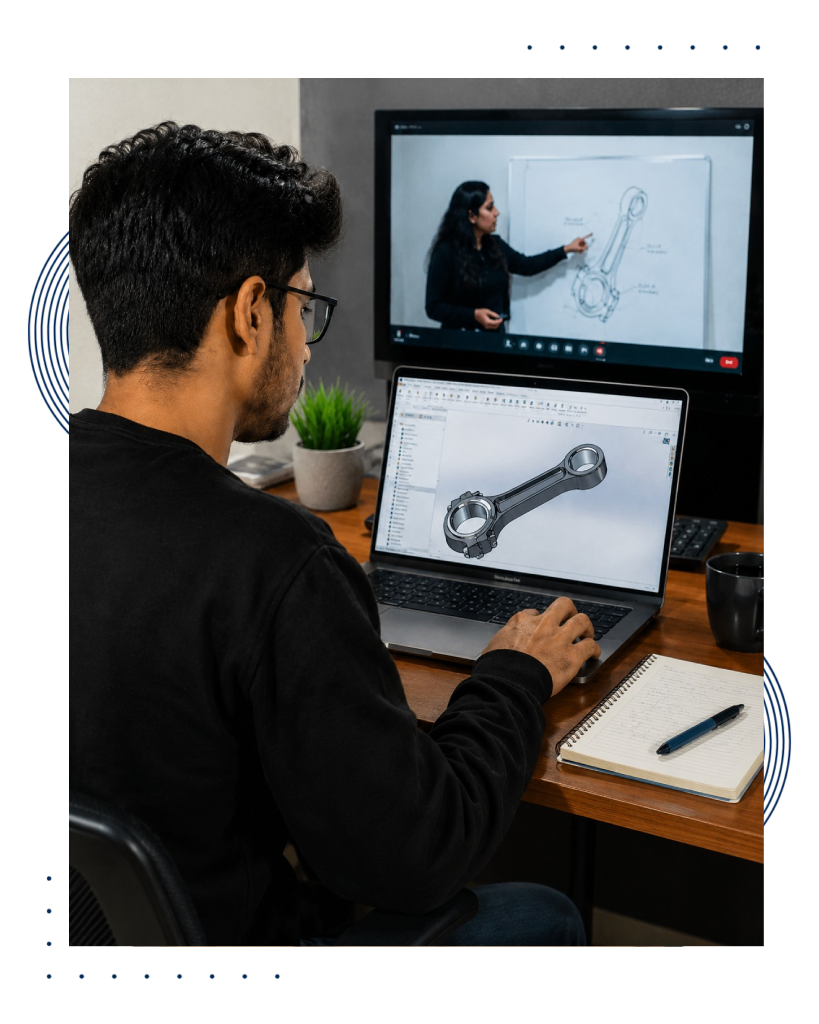
If you’re a mechanical engineering student or fresher looking to stand out, this mini project will give you the real-world exposure you need. Instead of just theory, you’ll work on a practical design and analysis of a connecting rod — the kind of project interviewers and recruiters love to see on a resume. With live classes, recordings, notes, and personalized resume feedback, you’ll finish the program with skills, files, and proof of work you can confidently showcase.

Hands-On Project Experience: Learn by doing! Model and analyze a connecting rod step by step, applying concepts of CAD and FEA instead of just watching tutorials.
Master Industry Tools: Get practical experience with SolidWorks and ANSYS — the same tools used by professionals in design and simulation roles across the industry.
Resume-Ready Advantage: Add a strong, real-world project to your resume that highlights CAD, FEA, and problem-solving skills, making you stand out in campus placements and job interviews.
Certification & Expert Guidance: Receive a certificate of completion, personalized resume review, and expert feedback, ensuring you not only learn but also know how to present your skills effectively.

Deliverables for Students

– CAD Model File (.SLDPRT / .STEP)
– ANSYS Project File + Results Screenshots
– PDF Handout (project steps, notes, resume tips)
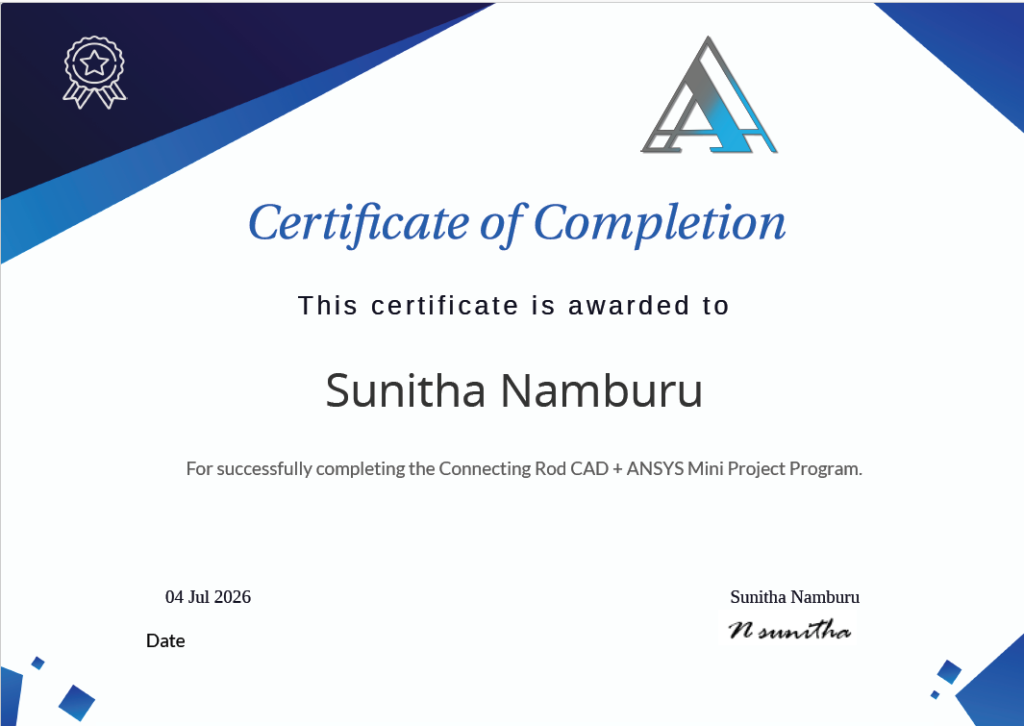
– Certificate of Completion

What you'll learn

By joining this mini project, you’ll not only practice CAD and FEA but also learn how to apply them in a real-world engineering context. Here’s what you’ll take away:

Create a complete connecting rod model step by step, apply constraints, and assign materials like steel or aluminum alloys.

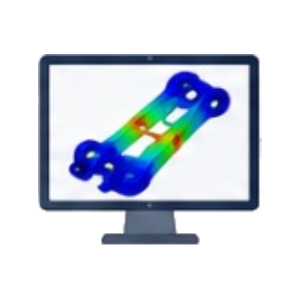
Import your CAD model, set up meshing and boundary conditions, and run static structural analysis to study stress, deformation, and factor of safety.

Generate professional plots, screenshots, and project reports that can be showcased in your portfolio.

Learn how to highlight CAD, FEA, and project-based problem-solving in the right industry language to impress recruiters.

Get tips and personalized feedback on how to position projects and technical skills during interviews.

Our Students

Love Us

What is the outcome?

Experience the Power of the Mini Project

Students added the project to their resume confidently
0 %
Reported improved understanding of CAD & FEA concepts
0 %
Project files, notes & resources provided for lifetime access
0 +
Participants received a Certificate of Completion
0 %

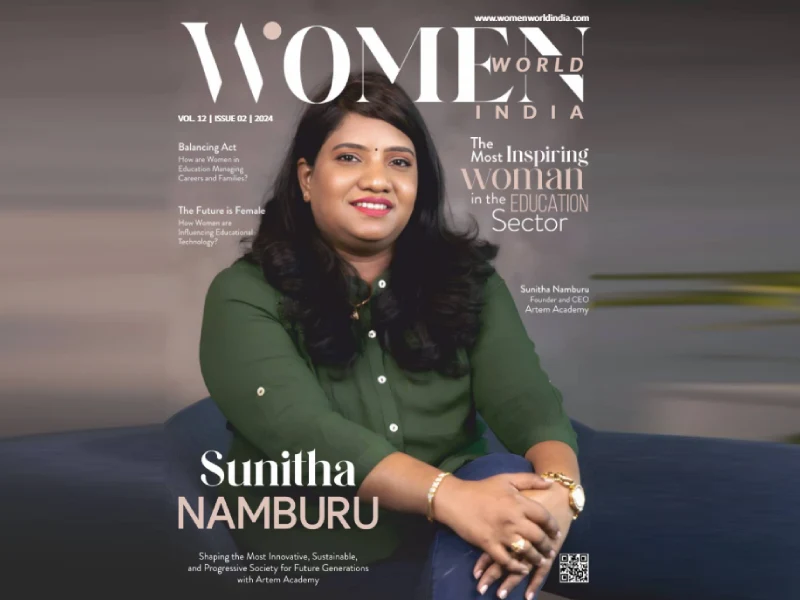
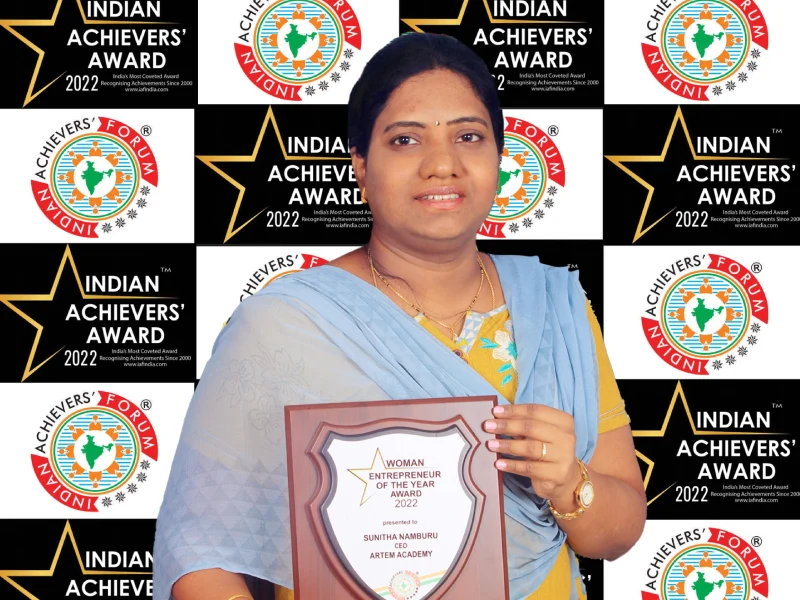
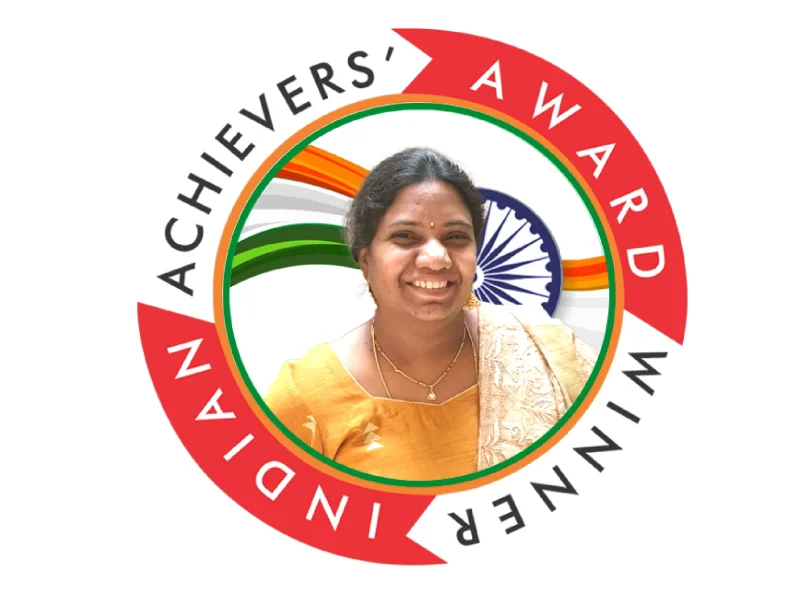
Sunitha Namburu

Founder & CEO, Artem Academy

With a proven track record in driving transformative change management, I bring years of experience in delivering results that matter — from boosting efficiency and reducing costs to building strong, long-term client relationships.

Recognized by leadership for my technical expertise, strategic thinking, and clear communication, I have consistently exceeded expectations in high-pressure environments. My ability to combine innovation with practical problem-solving makes me a trusted guide for aspiring engineers.

In every session, I aim to share not just software skills but also real-world insights that help students bridge the gap between academic learning and industry application. My approach is hands-on, interactive, and focused on empowering learners to confidently showcase their capabilities in front of recruiters and employers.

Certification

Mini Project Certificate

Frequently Asked Questions

We have answered all common questions below that you might have about the masterclass.
For any further queries, please contact: info@consulting.artem.co.in

Not necessarily. A basic understanding of CAD is helpful, but we’ll start with a refresher in SolidWorks and guide you step by step through both design and analysis. Beginners can follow along easily.

Yes, All sessions will be recorded and shared with you. You’ll have lifetime access to recordings, notes, and project files.

No, we do not provide free software or installations. However, once you upgrade to the full program, you’ll receive access to the required software.

You’ll receive a Certificate of Completion from Artem Academy once you finish the project. This certificate, along with your project files and resume review, strengthens your profile for both academic and industry opportunities.

You’ll receive the CAD model file (.SLDPRT / .STEP), ANSYS project file with results, project notes (PDF), resume tips, and your certificate. These can be used for your portfolio and interviews.

Contact us

Disclaimer

The information provided here is based on available data and is subject to change. While we strive to deliver valuable content, we understand that individual learning experiences may vary. If you find that the masterclass does not meet your expectations or fails to provide new insights, we offer a 100% Money Back Guarantee. Simply reach out within 7 days of your purchase, and we’ll process a full refund as per our Refund Policy.

Your satisfaction matters to us, and we appreciate your trust in Artem Academy.
Feel free to explore consultation with confidence! 🚀🔍

© ARTEM ACADEMY. 2025  |  All rights reserved | Privacy Policy | Refund Policy